

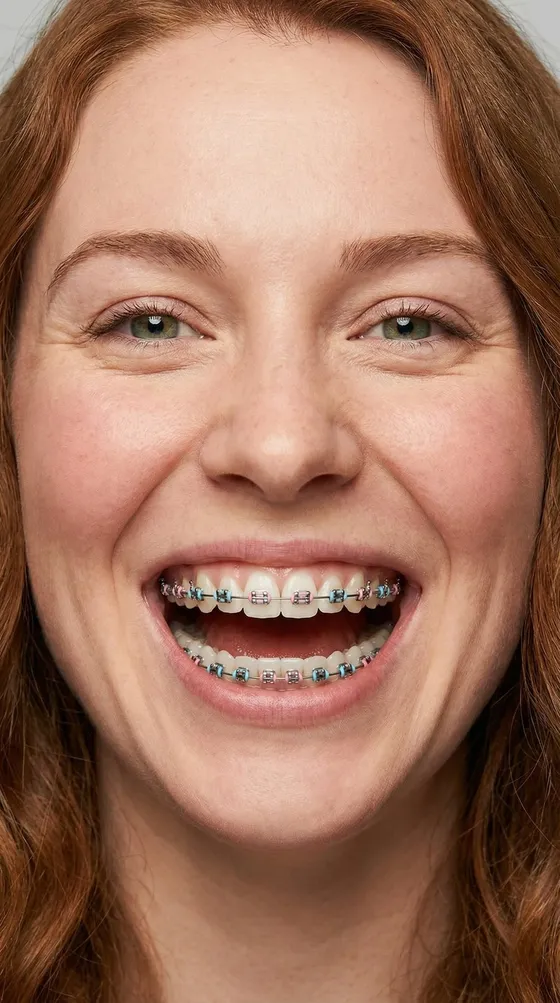

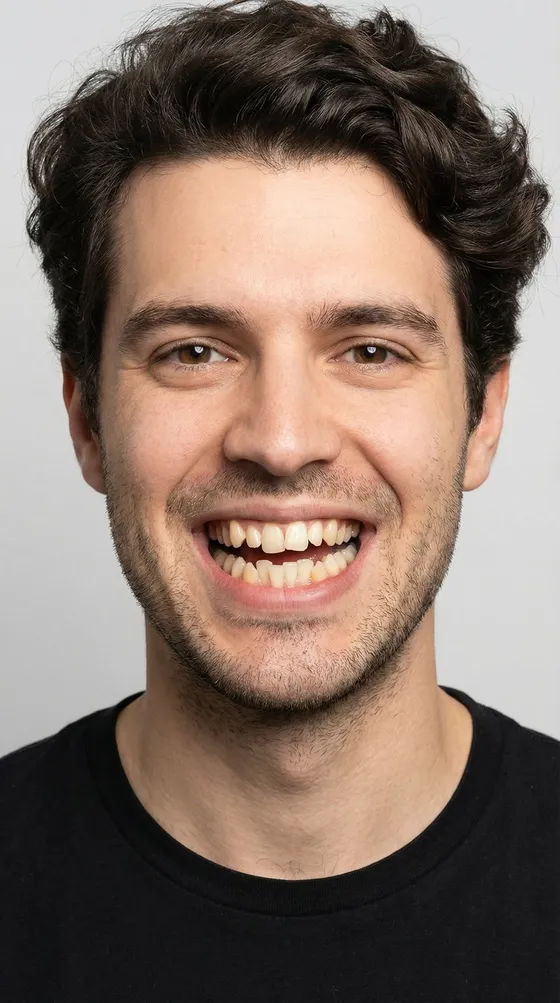

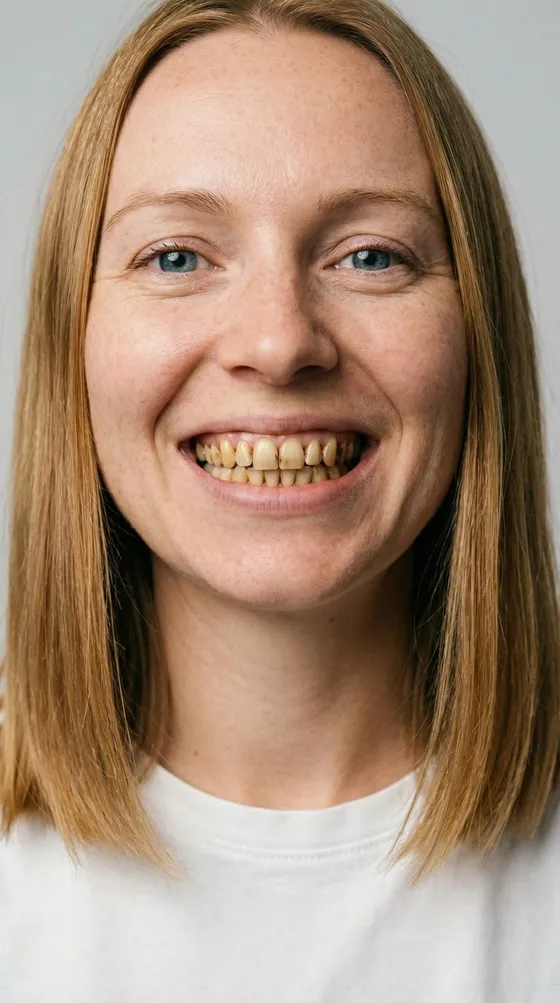

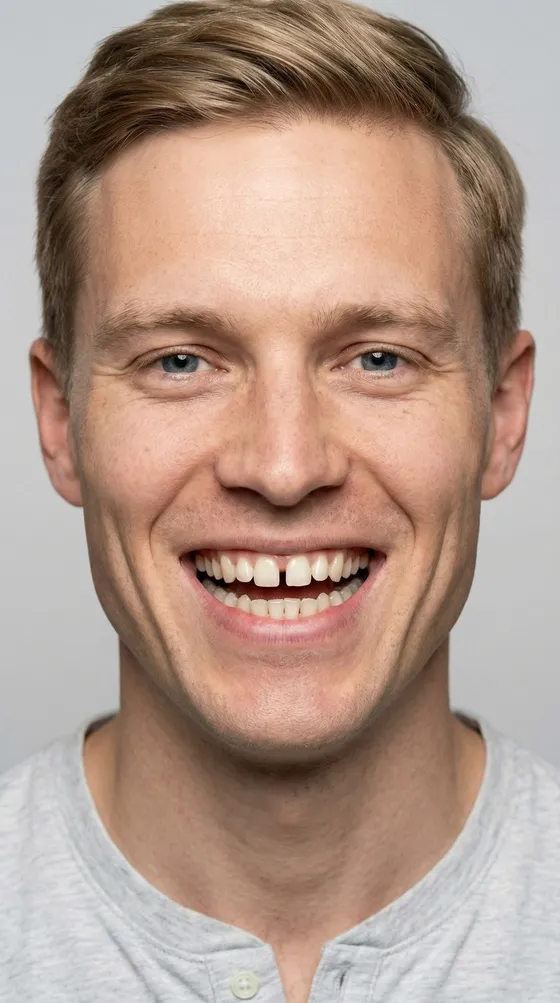




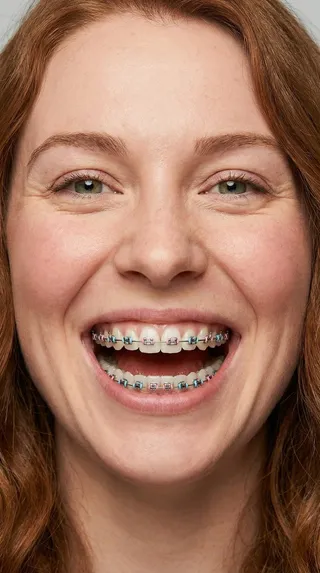
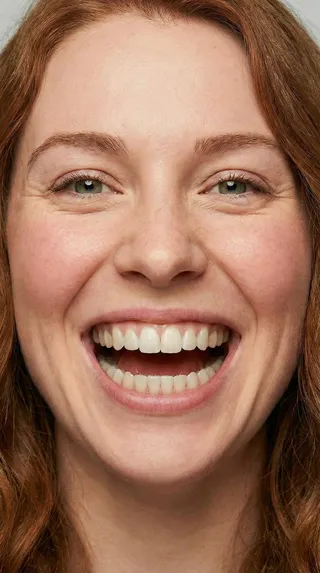
Remove braces
Brackets, wires and bands come off, and the teeth underneath stay yours.
Take a selfie with your braces on and BracesOff shows the smile underneath. You can also straighten or whiten your teeth, or add braces to your photo.
Four smile effects · Before & after on your own photo
BracesOff makes cosmetic AI photo previews, not treatment predictions.
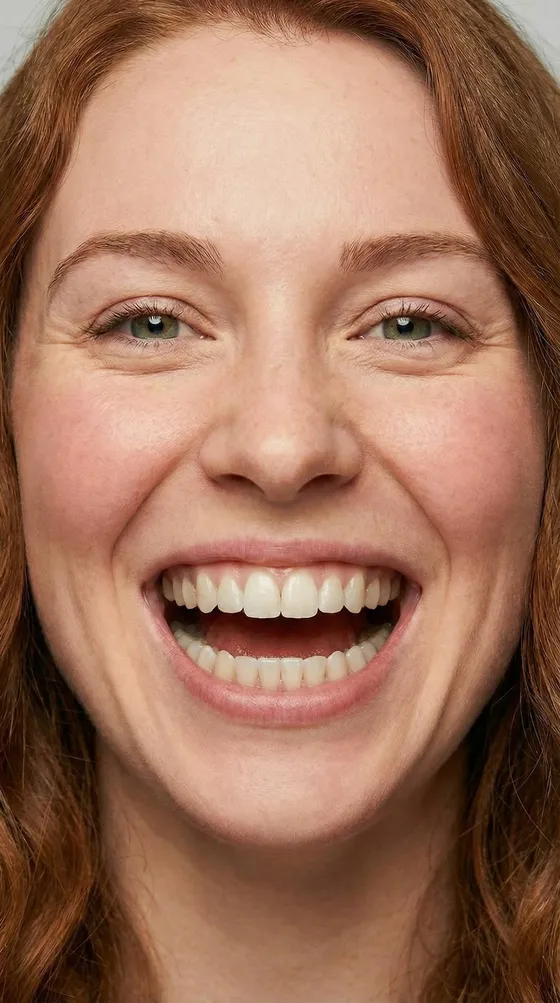
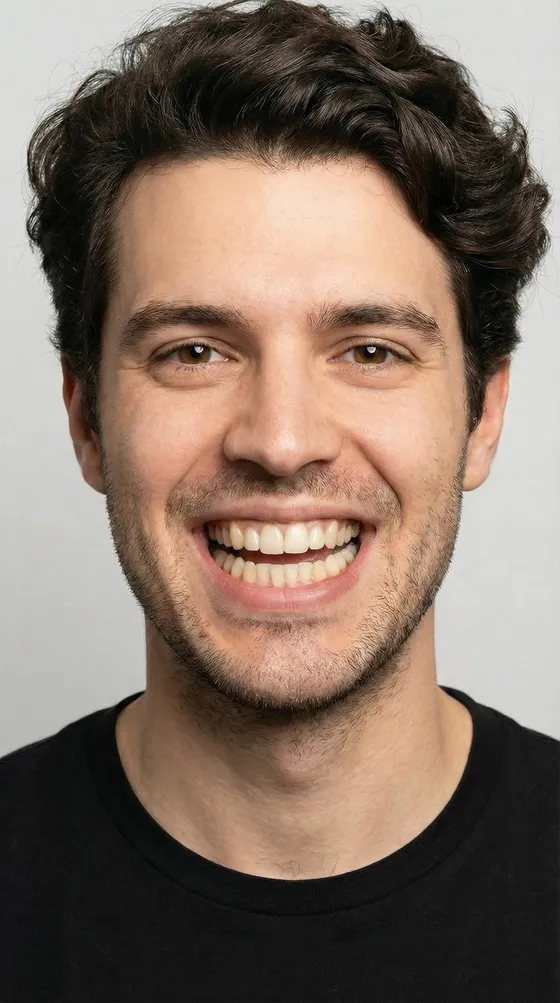
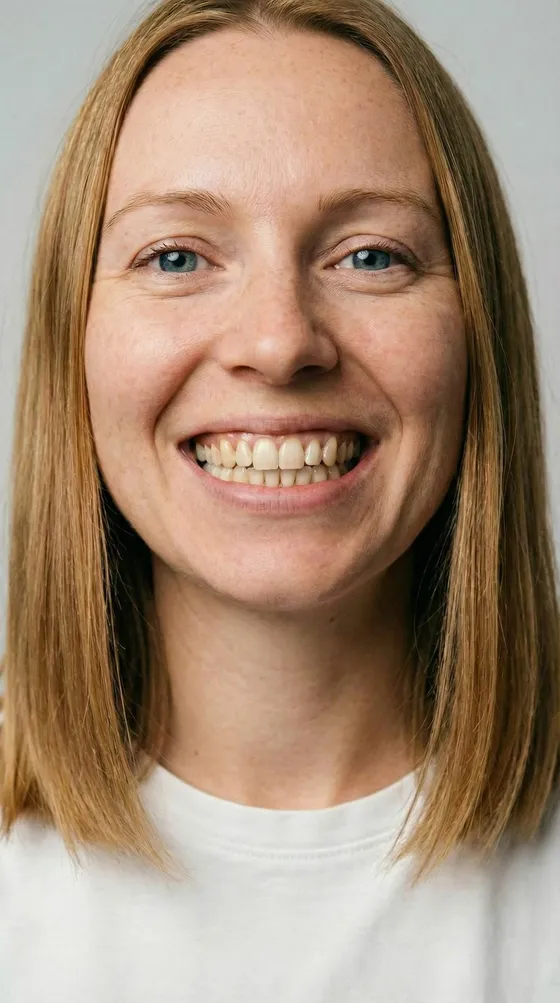
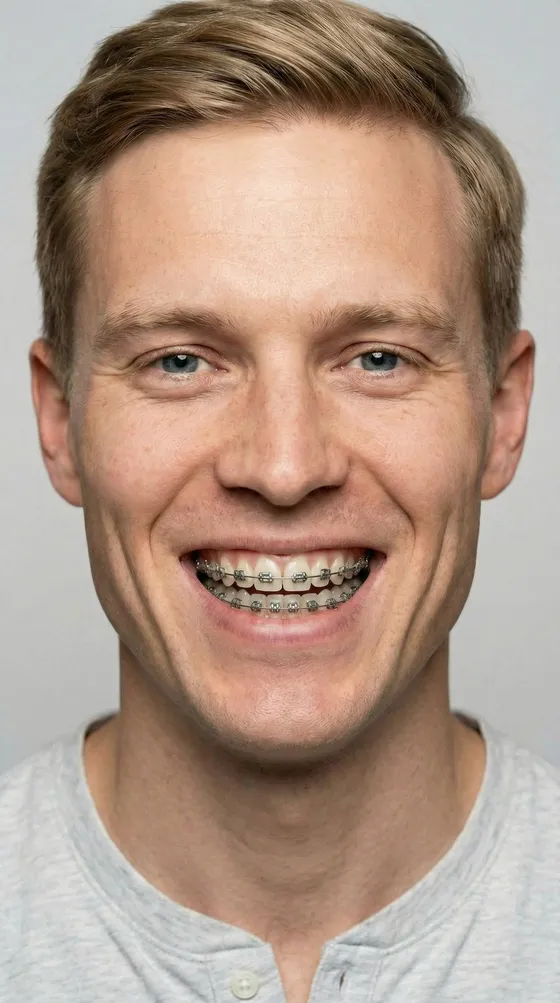
Real before and after previews made in the app. Use one, or stack the ones that fit together on your own selfie.
Brackets, wires and bands come off, and the teeth underneath stay yours.
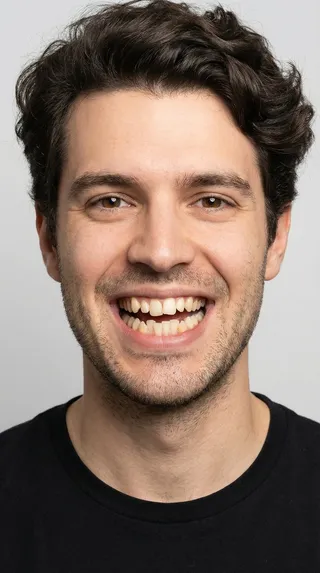
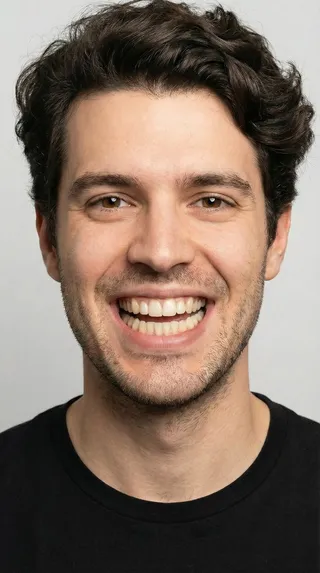
Gaps close and crowding evens out, so you can see a straighter line before it exists.
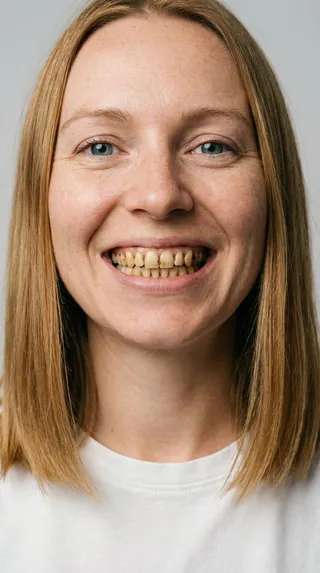

A brighter shade that still looks like teeth, not a row of porcelain.
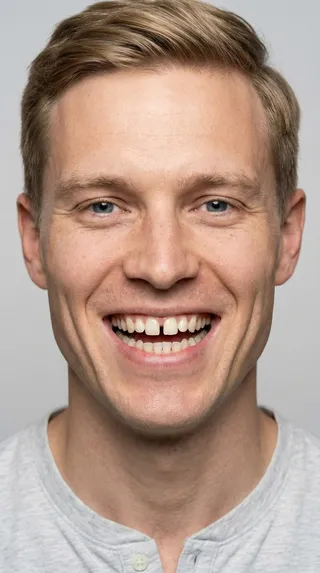
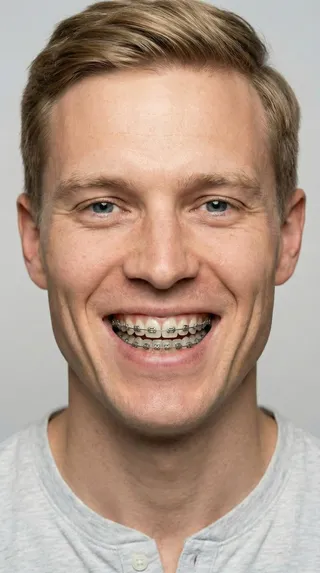
Considering braces? See how they look on you before your first appointment.
A clear, front-facing photo with your smile showing works best.
Choose one, or stack compatible ones, like braces off plus whitening.
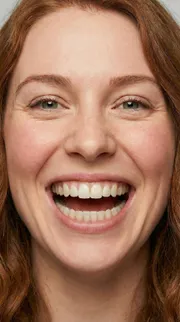
Remove braces

Straighten teeth

Whiten teeth
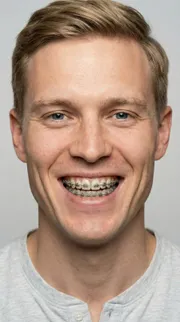
Add braces
Drag between before and after, then save the preview or share it with someone counting down the days with you.

Remove braces and whiten in one preview, or straighten and brighten together.
Your face, your lighting and your expression stay put. Only the smile changes.
Photos go to the AI only to make your preview. Results stay on your phone, in the app’s history.
Save it, or send it to your family, your friends or the group chat.
No. BracesOff makes a cosmetic AI photo preview. Only your dentist or orthodontist can tell you what your teeth will look like after treatment.
Yes. Compatible effects stack, for example removing braces and whitening in the same preview.
A clear, front-facing selfie in good light, with your teeth visible.
Your photo goes to our AI providers only to create the preview, and they discard it afterwards. Your originals and results stay on your phone, in the app’s history, until you delete them.
Yes. The Add braces effect puts braces on your current smile, so you can see the look before your first appointment.
Download BracesOff and try it on your own selfie.